Running low? Tap it.
The cereal is nearly gone. Press its Tap or Lid button and carry on with breakfast.
How ListTap works
Build the shopping list while you use things, instead of trying to remember it all before you shop. One press of a Tap or container Lid adds the item to your shared list through the Hub.
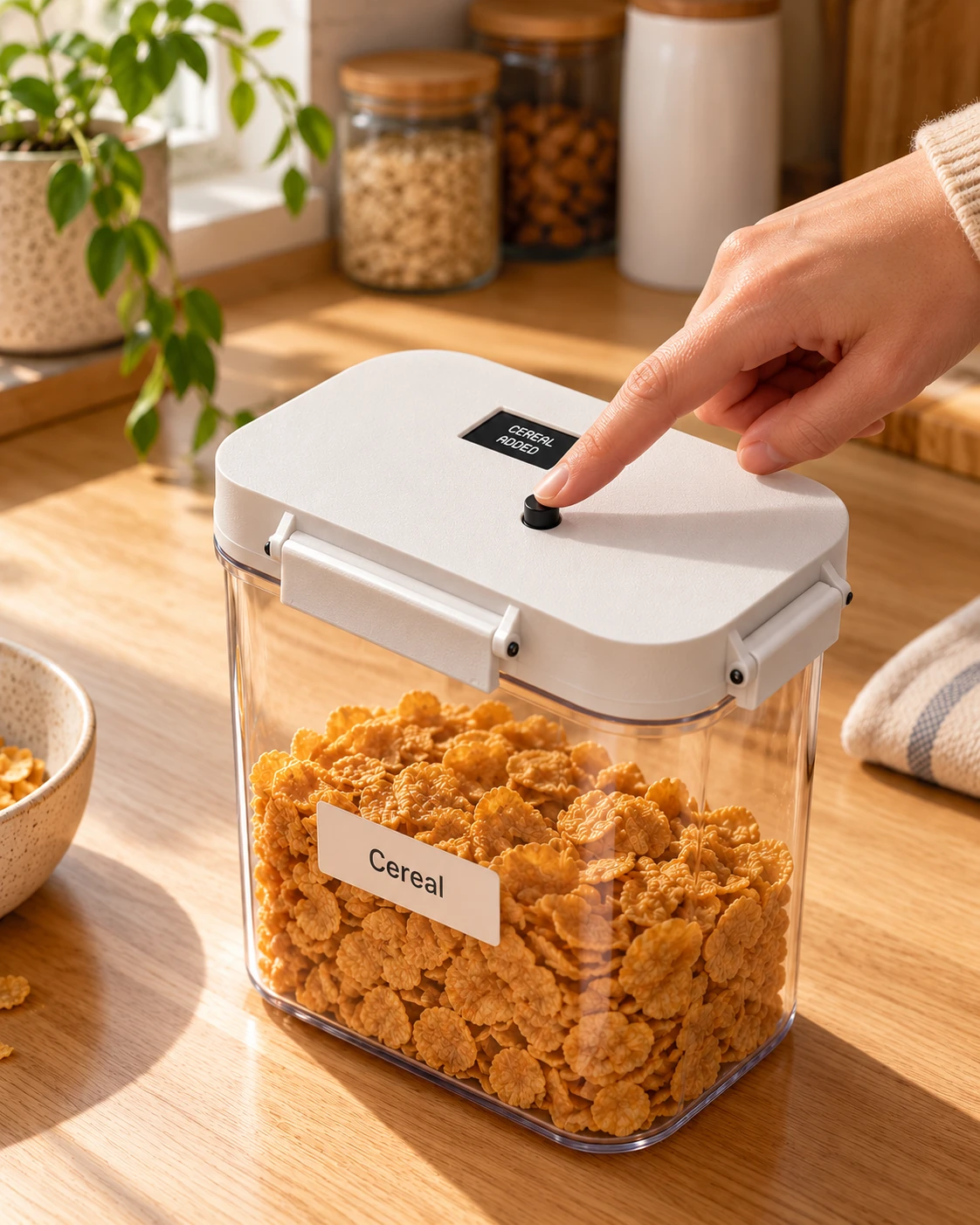
The cereal is nearly gone. Press its Tap or Lid button and carry on with breakfast.
The Hub adds that item to your shared shopping list. No note to write. No reminder for later.
Use the list in store, or add your linked items to your Woolworths or Coles cart in one click. Less list writing. Less repeat searching.
Make it yours
Cereal, coffee, washing powder. Set up buttons for your regulars and add the occasional extras on the Hub or website.
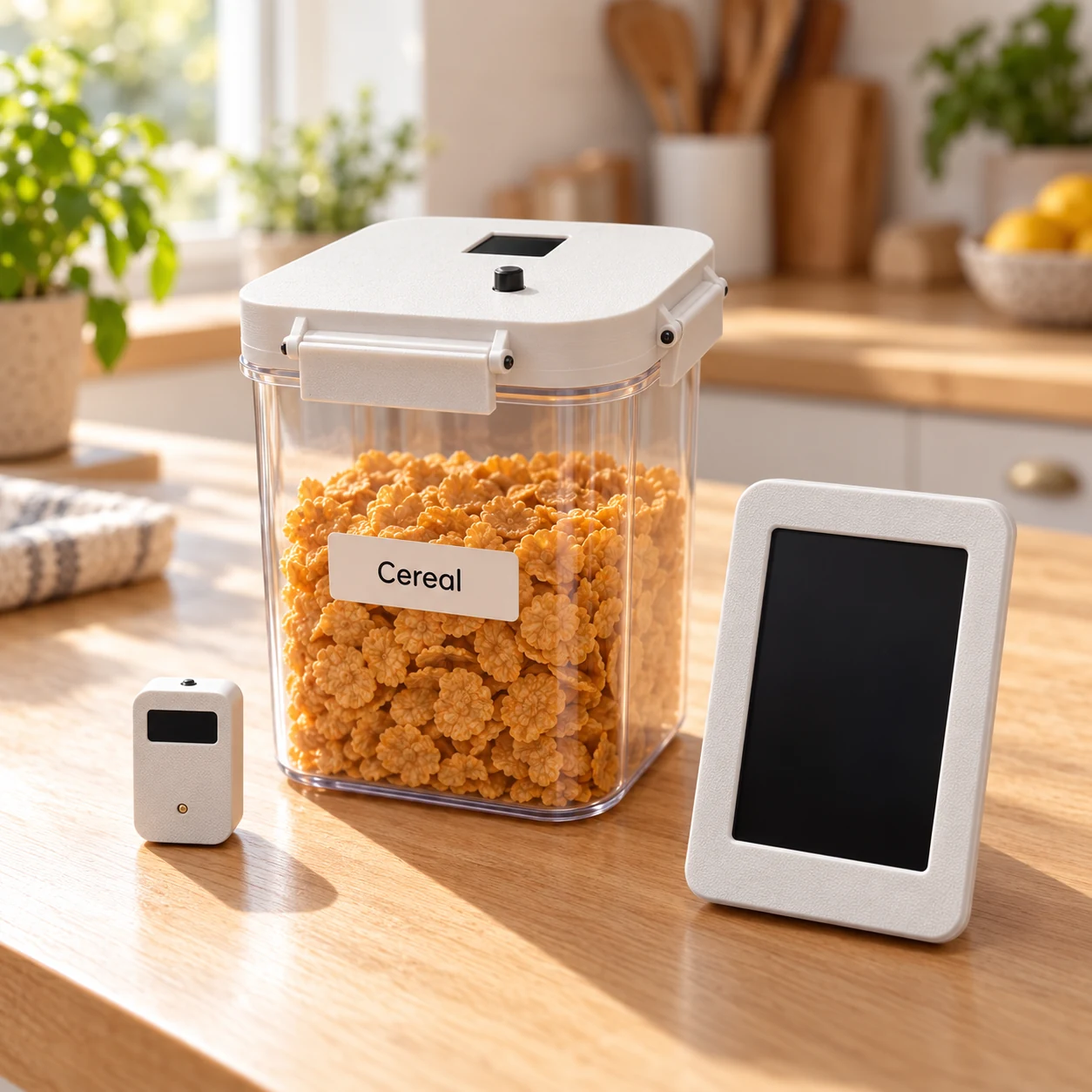
Add your regular items to ListTap and group them into categories that suit your home.
Assign a Tap or Lid to what you need it to add. Keep it with that item, and change the assignment when your routine changes.
Keep the Hub within reach. Invite household members to the shared list, so anyone who notices you need more can help.
The list builds as you go
By the time you’re ready to shop, the things you’ve tapped are already on the list. Add any extras on the Hub or website, then use the same shared list for your shop.
Meet the Taps, Lids and HubYour household
 Pantry
Added through the week. Ready for your next shop.
Shop your way
One less thing to remember
Add it while you remember. Shop when you’re ready.
Coming soon. Orders are not open yet.